Getting started
Welcome to VeraGen AI Hub
VeraGen AI Hub is where your team researches, builds and publishes with AI that has read your own material. It runs in your browser; there is nothing to install.
Watch the video
Getting around the AI Hub2:00 video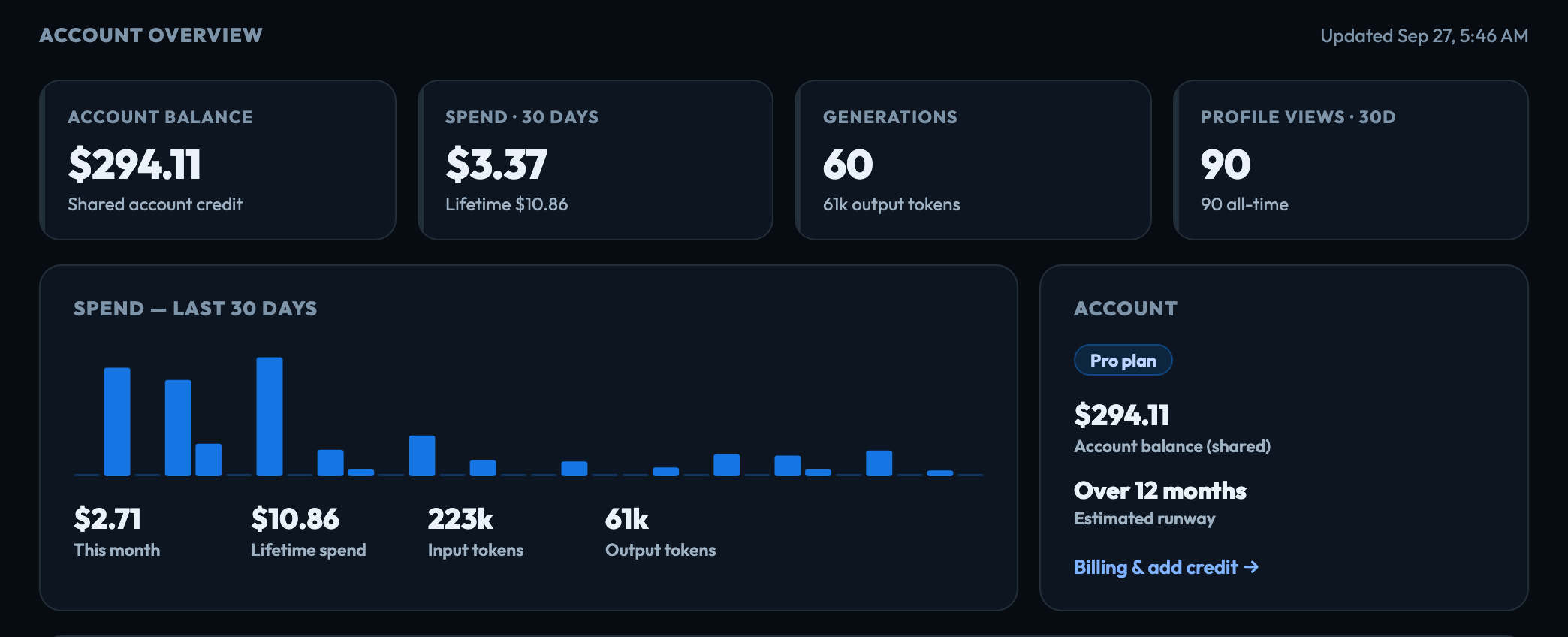
How work is organised
Everything belongs to a project. A project holds your documents and files, the brand it should use, the context the AI should know, and the people who can see it. Create as many as you need — one per client, study or idea.
What you can make
- Websites, apps and prototypes — built in Chimp by describing them: a spec you approve, then design, build and release. A Prototype (design only) stops at the design, for your team to review. Chat & Research builds clickable prototypes too. See What is Chimp.
- Videos — scripted, with generated footage, voiceover and music.
- Charts and diagrams — from a dataset you upload, or from what the AI found.
- Social posts — planned, approved, scheduled and measured in Beacon. Posts publish to X and LinkedIn; Instagram, Facebook and TikTok are drafts only.
- Courses and tests — built in Ascend from the documents a project already holds, and published for anyone to take.
- Feeds and newsletters — a Tellagent workflow reads the RSS and Atom feeds you choose, keeps what is worth keeping, publishes the collection for your website and emails a digest to your subscribers. See Read feeds.
What you can find out
- Persona Simulations — test your work with synthetic customers before real ones see it.
- Site Pulse — watch a page or a sign-up flow and be told when it breaks.
- Skunk Works — plan and track the project's work: a backlog, sprints and a board. See What is Skunk Works.
How it goes out
Beacon is a social media hub inside each project: plan a month on a calendar, have the AI write a post for each network from the project's own material, send it through the approvals you set, publish at the best time, and see how it performed. Each project's Beacon has its own accounts, brand voice, approvals and history.
Ascend turns a project's documents into a course — modules, lessons and a test — written only from the documents you assign. Publish it to your public profile and anyone can take it with just an email address, and you see who passed and which questions people get wrong.
What you can automate
AI Workflows, in Tellagent, chain these together and run them on a schedule, so the work happens without anyone starting it. One of their blocks, Collect from a web page, files a page's text or the documents it links to in Data Management. See Collect from a web page.
How you are charged
Every app is included. Usage — AI, plus the storage and compute your account's work needs — is paid from a shared account balance. See Credit & how billing works. An account started with Start free trial is also on a plan with a monthly or annual subscription; see Plans and the free trial.
Next, read Getting around — it takes two minutes and covers the whole navigation.