
 2:00
2:00Getting around the AI Hub
Two minutes from sign-in to Guide me: the left menu, projects and apps, Help, and Odin.
Learn / Training / Video tutorials
Video tutorialsShort, narrated walkthroughs of every app. Start with the tour, follow the path, or search for the one thing you need right now.
Start here · 2:00 · Getting around the AI Hub
5 short videos, in order. By the end you’ll know your way around, where to get help on any screen, and how to set the AI up for your business.
2:00Two minutes from sign-in to Guide me: the left menu, projects and apps, Help, and Odin.
 1:35
1:35Press the compass on any page and it walks you through the screen you're on, one real control at a time.
 1:36
1:36Ask Odin out loud, pause, and it sends and answers. No second click, and the recording isn't kept.
 2:03
2:03Organise work by client, product line or campaign, and give each teammate just the projects they need.
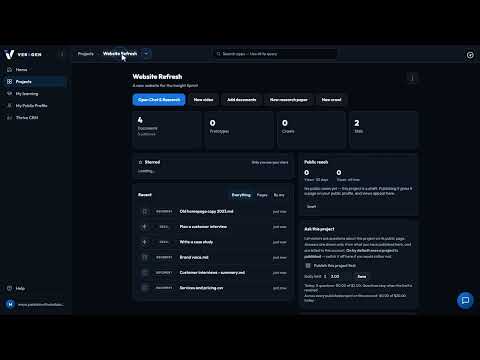 2:12
2:12Tell the AI about your business once, save the tasks you repeat as Skills, and everything it writes follows both.
Describe a website or app in a sentence, and an AI team specs, designs, builds, tests and releases it with you. 13 videos · 38 min
 4:50
4:50One shop, start to finish: build the website in Chimp, sell on it with Mercato, and let Tellagent follow up with every customer.
 4:34
4:34Describe a website or app in a sentence, and an AI team takes it through spec, design, build, testing and release, with you approving each step.
 2:31
2:31Start from one sentence: pick a website, web app, online store, client portal or prototype, and let Chimp read what you already have.
 3:05
3:05Answer a few questions and Chimp writes the spec. Change it in plain words, approve it, and every story lands in Skunk Works.
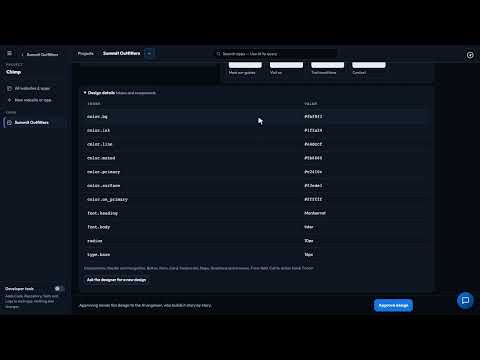 2:46
2:46A sitemap, wireframes, a design system and a clickable prototype from your spec and Brand Kit. Review it as a team, then approve.
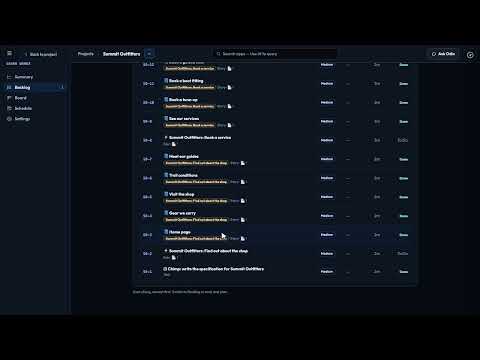 2:56
2:56Chimp's AI engineer builds story by story, every change checked before it goes in. Edit words on the live preview, or ask for changes.
 2:38
2:38A design-only prototype your team can click through and comment on before anything is built, or upload one you already have.
 3:24
3:24Every acceptance criterion becomes a test on a phone, a tablet and a desktop. Failures become bugs, the AI fixes them, and you approve when it's green.
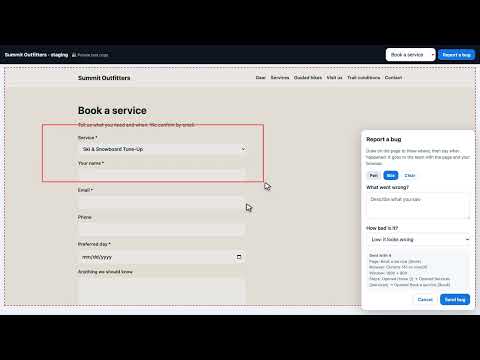 2:08
2:08Invite up to 25 people to try your site before it goes live. No account needed, and every bug they report lands in Skunk Works.
 2:14
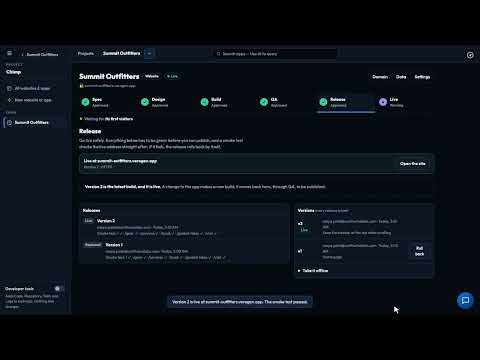
2:14A checklist that must be all green, a publish scan, release notes and a smoke test. Every version is kept, so you can roll back in a click.
 2:39
2:39Put your Chimp website or app on a domain you own: add the records Chimp shows, and it checks them and sets up HTTPS for you.
 2:15
2:15You never have to read the code Chimp writes, but you can: its files, repository, tests, logs and every change's diff.
 2:12
2:12Every step in Chimp has its own AI box: ask in plain words, see exactly what it proposes, and accept it or not.
Run your whole store in one place: products, services and bookings, orders, invoices, subscriptions and customers. 9 videos · 25 min
 4:13
4:13Products, services, orders, invoices, customers, subscriptions, discounts, payouts and the website that sells it all, in one place.
 2:36
2:36Products with sizes or colours, each with its own SKU, price and stock. Mercato flags what is running low and clears it when you restock.
 2:29
2:29From paid to delivered: record a payment, buy a shipping label, print packing slips, and handle a return through to the refund.
 2:29
2:29Draft an invoice from one sentence and get paid from its link. Turn a quote into an invoice in one click, and remind late payers.
 2:35
2:35Set up a bookable service and its hours, take bookings from your website, and move or cancel them with the calendar kept up to date.
 2:52
2:52Monthly boxes and yearly clubs with free trials, an invoice for every period, and a follow-up when a card is declined.
 3:00
3:00Your buyers are your Thrive contacts. Make a discount code, read your sales dashboard, and export your sales for QuickBooks or Xero.
 2:36
2:36An online store built in Chimp sells straight from Mercato: products, cart and checkout, and every order lands in Mercato with the buyer in Thrive.
 2:40
2:40A thank-you email that sends itself when an order is paid in Mercato, with the order's own details, and every step in Run history.
Find your way around, get help on any screen, and meet Odin. 3 videos · 5 min
2:00Two minutes from sign-in to Guide me: the left menu, projects and apps, Help, and Odin.
1:35Press the compass on any page and it walks you through the screen you're on, one real control at a time.
1:36Ask Odin out loud, pause, and it sends and answers. No second click, and the recording isn't kept.
Organise your work, and teach the AI your business and your brand. Once. 3 videos · 6 min
2:03Organise work by client, product line or campaign, and give each teammate just the projects they need.
2:12Tell the AI about your business once, save the tasks you repeat as Skills, and everything it writes follows both.
 1:57
1:57Set your colours and fonts once, starting from your logo and website, and everything the Hub builds looks like you.
Bring your documents in, keep them tidy, and write together right beside them. 3 videos · 9 min
 3:13
3:13Your project's library of pages, files and datasets, and where every AI app gets its facts.
 2:51
2:51Three ways in: upload, import from Google Drive read-only, or collect the files a web page links to with a Tellagent workflow. Then see how each file is read.
 3:27
3:27Write plans and meeting notes beside your files, with templates, comments, help with the wording and every version kept.
Ask your own documents questions, then turn the answers into documents and diagrams. 3 videos · 7 min
 2:35
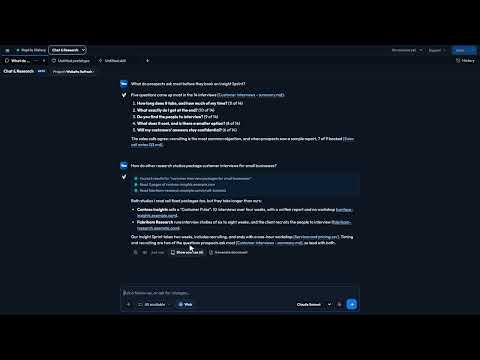
2:35Ask about your project and get answers from your own documents, with sources. Add the web, or just speak.
 2:40
2:40Turn an answer into a brief, a spreadsheet or a PDF from your own files, and keep it as a page, Word, Excel or PDF.
 1:36
1:36Describe how your business fits together in plain words and get a clear diagram your whole team works from.
Follow up with every lead by email, hand routine work to AI agents, and hear the moment something breaks. 13 videos · 29 min
 1:50
1:50A chatbot that answers visitors from what your business has written down. Build it in Tellagent, try it, and embed it with one line.
 2:08
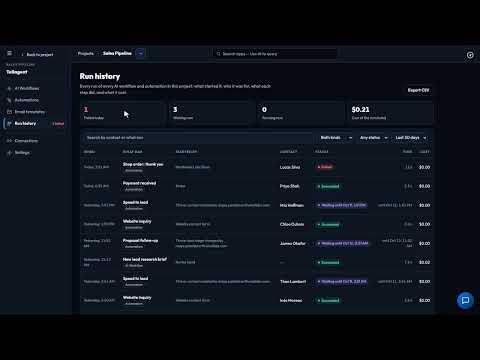
2:08The whole app in two minutes: AI Workflows that research and write, and Automations that follow up when something happens.
 2:14
2:14An email follow-up that runs for every deal by itself: template, trigger, merge fields, a wait, a reminder, test and publish.
 2:15
2:15Write an email once, send it from any automation, wait until it is opened, and see what happened to every email.
 1:44
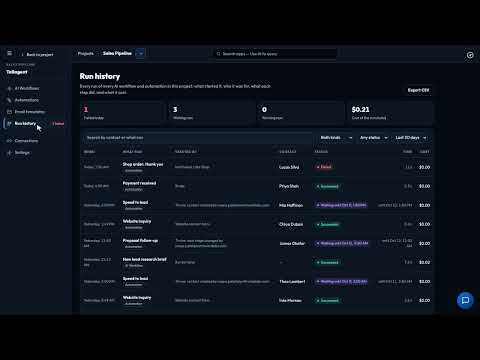
1:44Let a Stripe payment, a Calendly booking or a Typeform answer start your follow-up, and use your Shopify store’s steps.
 1:35
1:35Describe the automation in plain words and Odin builds it. Check it, change it with one click, and publish when you are ready.
 2:03
2:03Chain steps together, from reading your documents to emailing the result, and run them now or on a schedule.
 2:41
2:41Describe a routine job to Odin and it builds the workflow as a draft. Check it, switch it on, and it runs every week.
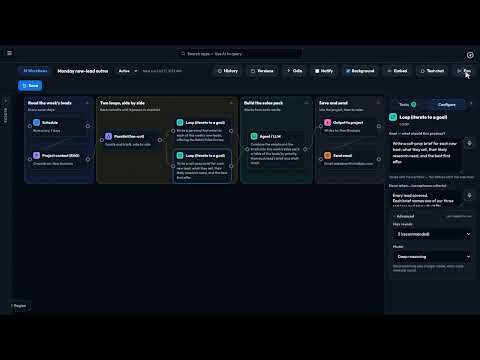 3:51
3:51Loop blocks keep an AI step working until it meets your standard, instead of handing on its first draft.
 1:59
1:59Connect Slack once, and Site Pulse alerts, AI Workflow results and automation notifications post to your team’s channels.
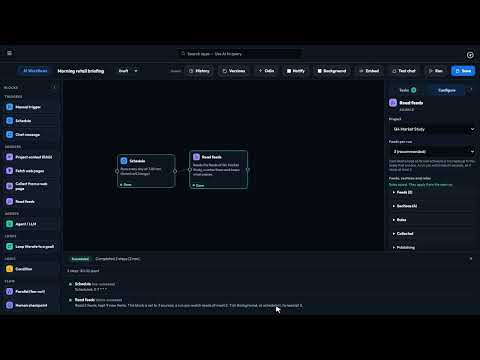 3:11
3:11Add RSS feeds to an AI workflow, keep only what passes your rules, approve the best stories and email a daily digest to a Thrive tag.
 2:05
2:05Publish what your Read feeds block collects: your website shows it, feed readers follow it and visitors sign up by email.
 1:41
1:41Checks your pages and sign-up forms on a schedule, the way a customer would, and emails you when something breaks.
Thrive CRM, your inbox and your calendar. 4 videos · 9 min
 2:03
2:03Contacts, companies and your deal pipeline in one place. Log a call in seconds and see why the lost deals got away.
 1:54
1:54Read and reply to customer email inside Thrive, with an AI-drafted reply when you're short on time.
 3:14
3:14Connect your work mailbox, then read, archive, reply and write new mail with AI, right next to your contacts.
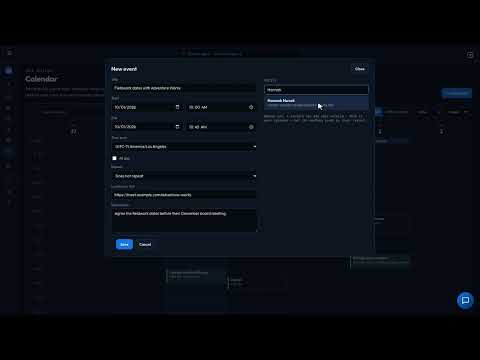 1:58
1:58Book a customer meeting and it lands on the right contact's record, your week and Thrive's Today page.
Plan, write and publish your posts, then hear what people say back. 3 videos · 6 min
 1:57
1:57Plan the month on a calendar, have AI write a version of each post for every network, then approve and schedule it.
 2:04
2:04One post from idea to scheduled: a version for X and one for LinkedIn, in your brand voice, approved in minutes.
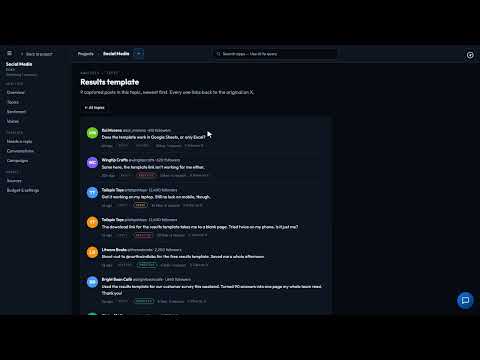 1:55
1:55The replies and mentions your posts get on X, sorted by topic and feeling, with the questions still waiting for an answer.
From one sentence to a finished, exported video, one part of the editor at a time. 5 videos · 13 min
 2:26
2:26One sentence in, a finished video out: a script written from your own material, and the price shown before an AI shot.
 2:27
2:27Every picture, clip and sound for your videos in one place, including licensed stock from Storyblocks.
 2:53
2:53The editor's two side panes: build with Scenes, Media, Library and Effects; fine-tune with Properties, Layers and the AI director.
 2:37
2:37See the video as viewers will, choose the voice, export every shape you need and publish it to your profile.
 2:17
2:17Scrub, zoom, move, trim and split: every part of your video laid out over time, with undo for any change.
A first read on an idea, from synthetic customers, before you spend on it. 1 videos · 2 min
 2:00
2:00Try a price, a product or a message on synthetic customers first. An early signal, not a stand-in for real ones.
Turn what your business knows into courses and quizzes, and see who is ready. 5 videos · 12 min
 2:00
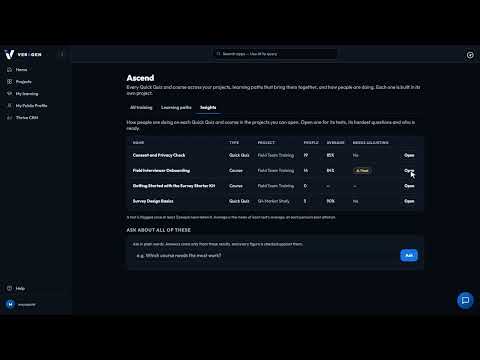
2:00Courses and Quick Quizzes written only from your own documents, plus learning paths, Insights and an AI tutor.
 2:21
2:21Turn a policy or handbook into a short quiz in minutes, then see who passed and which questions people miss.
 2:38
2:38Pick the documents, say who it's for, and Ascend writes the outline, lessons and assessments from those documents only.
 3:02
3:02Run a course your team already has: role-play practice, assignments, progress, and clearer questions suggested for you.
 2:20
2:20Put a course on your public profile, let visitors take it with a name and an email, and see every result.
Plan your team's work in sprints, move it across a board, and let the AI draft, plan and sum it up. 7 videos · 14 min
 1:42
1:42A project's own backlog, sprints, board and schedule, with an AI that sums up the sprint while you stay in control.
 2:18
2:18Rank the backlog, set up sprints, let the AI fill the next one to your team's real pace, and keep a review when it ends.
 1:49
1:49Move the sprint's work from To Do to Done, and see what is stuck, overdue or has no owner.
 2:05
2:05Everything about a piece of work on the task itself: details, screenshots, images, comments and its place in the pipeline.
 1:56
1:56Rank your epics, set their priority, and drag their bars to plan the big pieces of work in step with your sprints.
 1:59
1:59Link work to the documents behind it, see from any document which work links to it, and turn a spec into a backlog.
 2:33
2:33Draft items, break down epics, plan sprints to your real pace, and get a brief, a standup and a risk check. You decide.
Billing, team access, your public profile, and getting help when you need it. 5 videos · 7 min
 1:58
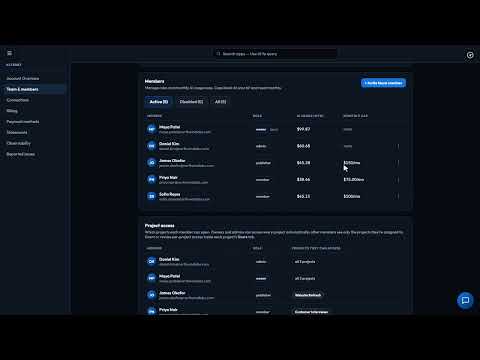
1:58One bill and the right access for everyone: your balance, top-ups, spend by person and app, roles and caps.
 1:44
1:44Budgets, Slack, the cards on file, and a PDF statement every month broken down by app, person and AI model.
 1:39
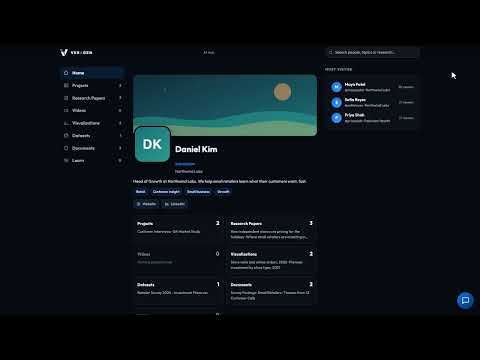
1:39A public page for your best work under your own address, where visitors can even ask a project a question.
 1:11
1:11Owners and admins can report a bug or a request from inside the Hub, with screenshots, and see exactly what's sent.
 0:56
0:56Every issue your account has reported, where each one stands, and our note about the fix.
No video matches that yet. Try another word, or search the documentation.
Every video is recorded in the real product, using a fictional company, Northwind Labs. New videos land on the VeraGen YouTube channel first.