 4:13
4:13Mercato Overview
Products, services, orders, invoices, customers, subscriptions, discounts, payouts and the website that sells it all, in one place.
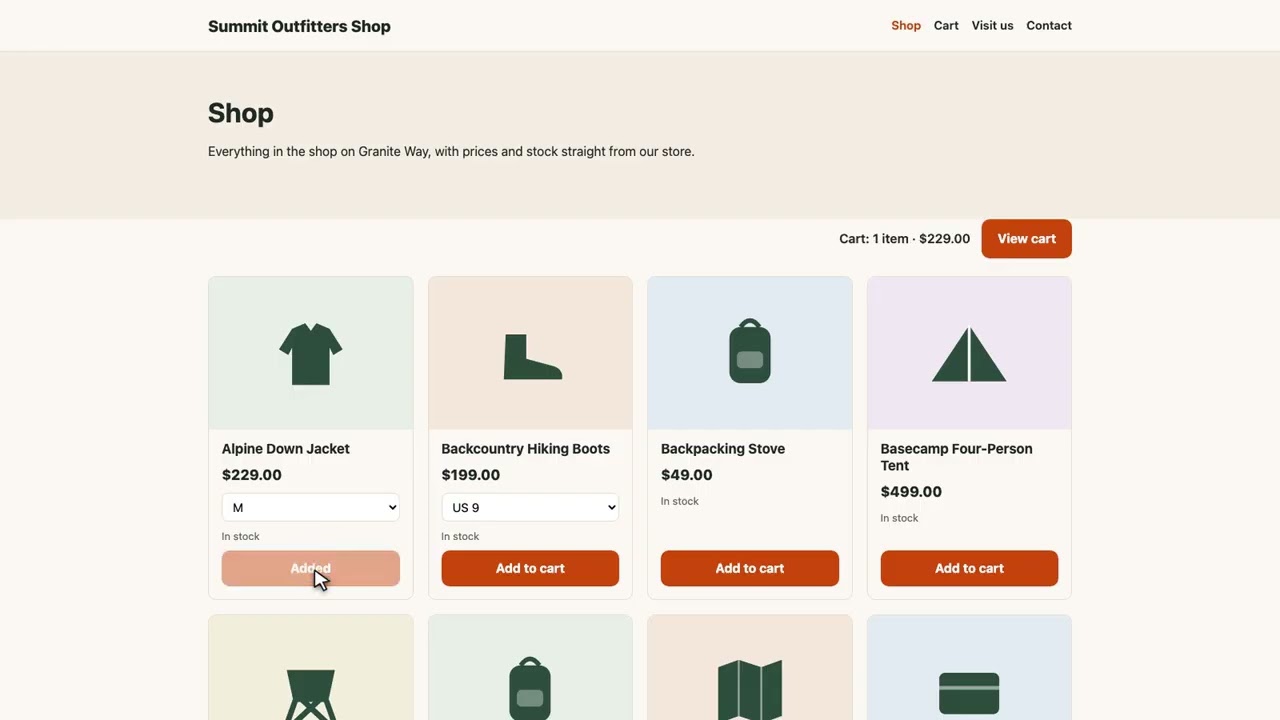
Build an online store with Chimp and it sells straight from Mercato. Your products, prices and stock come from Mercato, shoppers pay on your store's own checkout page, and every order lands in Mercato with the buyer in Thrive.
Recorded in the real product, using a fictional company, Northwind Labs. Watch on YouTube
4:13Products, services, orders, invoices, customers, subscriptions, discounts, payouts and the website that sells it all, in one place.
 2:36
2:36Products with sizes or colours, each with its own SKU, price and stock. Mercato flags what is running low and clears it when you restock.
 2:29
2:29From paid to delivered: record a payment, buy a shipping label, print packing slips, and handle a return through to the refund.
 2:29
2:29Draft an invoice from one sentence and get paid from its link. Turn a quote into an invoice in one click, and remind late payers.
 2:35
2:35Set up a bookable service and its hours, take bookings from your website, and move or cancel them with the calendar kept up to date.
 2:52
2:52Monthly boxes and yearly clubs with free trials, an invoice for every period, and a follow-up when a card is declined.
 3:00
3:00Your buyers are your Thrive contacts. Make a discount code, read your sales dashboard, and export your sales for QuickBooks or Xero.
 2:40
2:40A thank-you email that sends itself when an order is paid in Mercato, with the order's own details, and every step in Run history.