 2:26
2:26Video Studio Overview: Make a Video with AI
One sentence in, a finished video out: a script written from your own material, and the price shown before an AI shot.
Learn / Video tutorials / Video Studio
Video Studio · 58 of 772:37 · 8 chapters
See your video exactly as viewers will, switch between vertical, square and widescreen, and choose the voice that reads it. Then file it in Data Management, preview the real file, export every shape you need, and publish it to your public profile.
Recorded in the real product, using a fictional company, Northwind Labs. Watch on YouTube
2:26One sentence in, a finished video out: a script written from your own material, and the price shown before an AI shot.
 2:27
2:27Every picture, clip and sound for your videos in one place, including licensed stock from Storyblocks.
 2:53
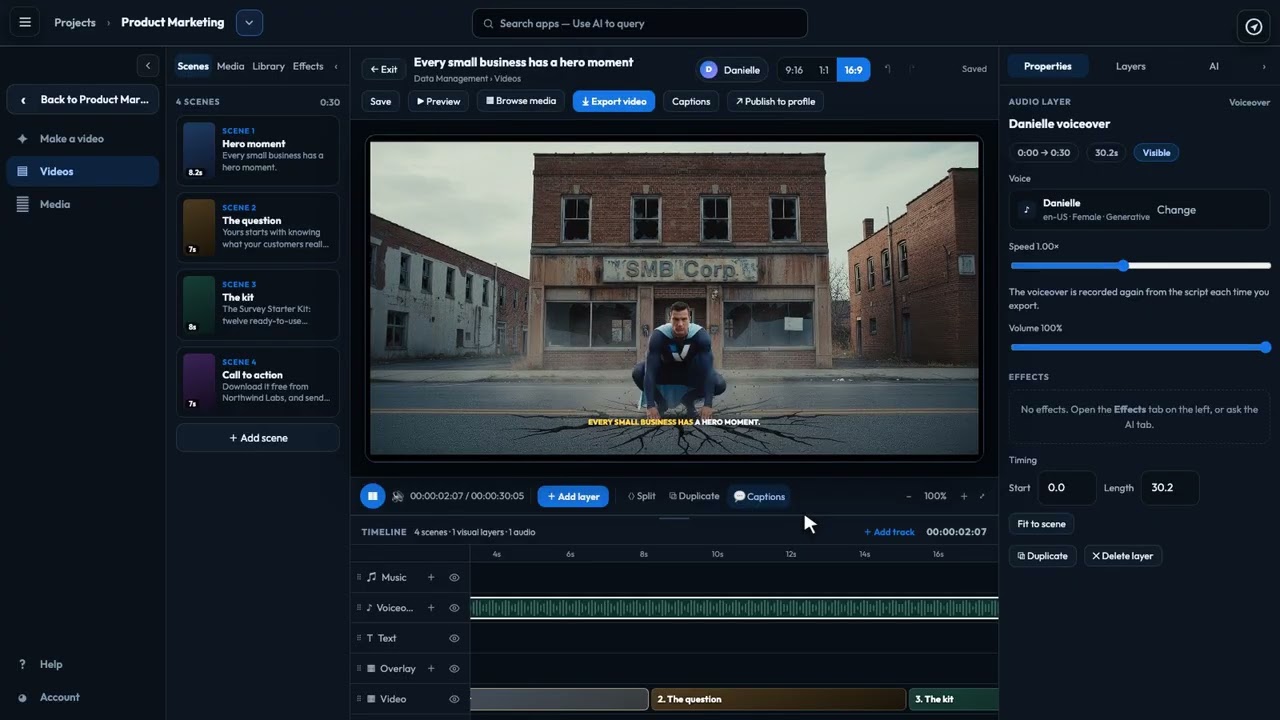
2:53The editor's two side panes: build with Scenes, Media, Library and Effects; fine-tune with Properties, Layers and the AI director.
 2:17
2:17Scrub, zoom, move, trim and split: every part of your video laid out over time, with undo for any change.