 4:50
4:50Build, Sell, Follow Up: Chimp, Mercato and Tellagent Together
One shop, start to finish: build the website in Chimp, sell on it with Mercato, and let Tellagent follow up with every customer.
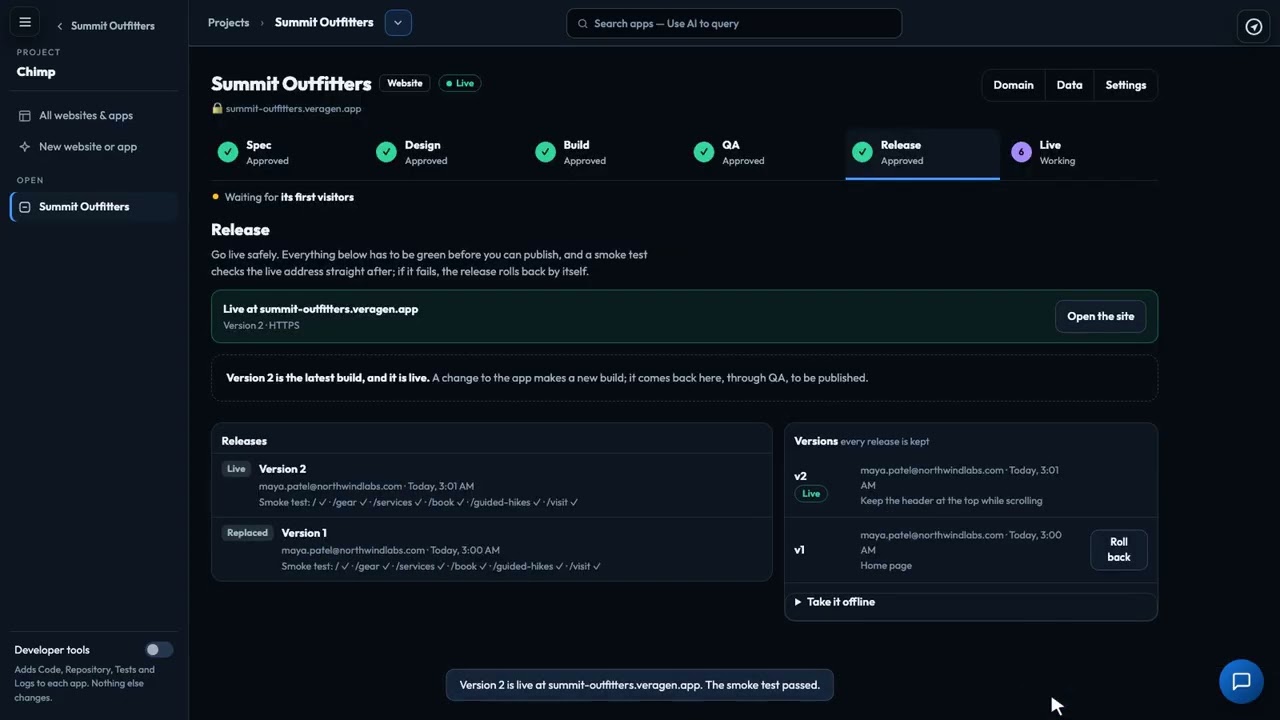
Release your website safely: a checklist that must be all green, a publish scan, release notes written for you, one button to publish to your free address, and a smoke test straight after. Every version is kept, so you can roll back in a click.
Recorded in the real product, using a fictional company, Northwind Labs. Watch on YouTube
4:50One shop, start to finish: build the website in Chimp, sell on it with Mercato, and let Tellagent follow up with every customer.
 4:34
4:34Describe a website or app in a sentence, and an AI team takes it through spec, design, build, testing and release, with you approving each step.
 2:31
2:31Start from one sentence: pick a website, web app, online store, client portal or prototype, and let Chimp read what you already have.
 3:05
3:05Answer a few questions and Chimp writes the spec. Change it in plain words, approve it, and every story lands in Skunk Works.
 2:46
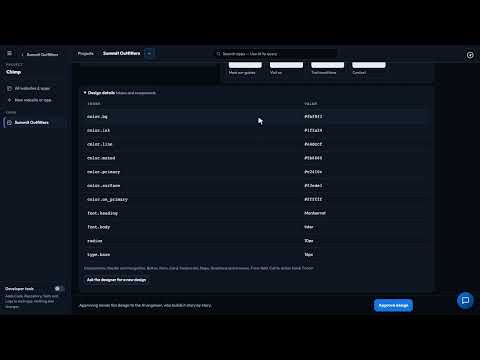
2:46A sitemap, wireframes, a design system and a clickable prototype from your spec and Brand Kit. Review it as a team, then approve.
 2:56
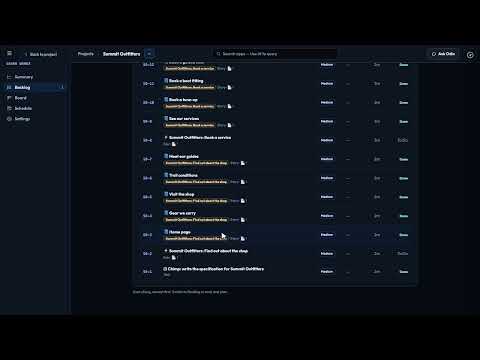
2:56Chimp's AI engineer builds story by story, every change checked before it goes in. Edit words on the live preview, or ask for changes.
 2:38
2:38A design-only prototype your team can click through and comment on before anything is built, or upload one you already have.
 3:24
3:24Every acceptance criterion becomes a test on a phone, a tablet and a desktop. Failures become bugs, the AI fixes them, and you approve when it's green.
 2:08
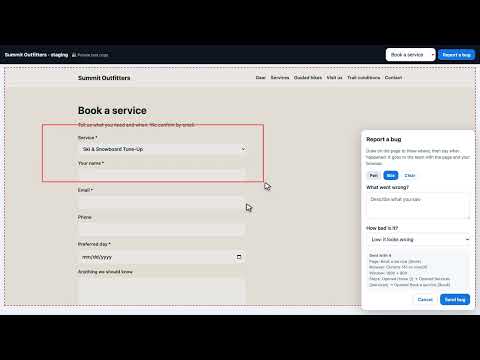
2:08Invite up to 25 people to try your site before it goes live. No account needed, and every bug they report lands in Skunk Works.
 2:39
2:39Put your Chimp website or app on a domain you own: add the records Chimp shows, and it checks them and sets up HTTPS for you.
 2:15
2:15You never have to read the code Chimp writes, but you can: its files, repository, tests, logs and every change's diff.
 2:12
2:12Every step in Chimp has its own AI box: ask in plain words, see exactly what it proposes, and accept it or not.