 2:00
2:00Getting around the AI Hub
Two minutes from sign-in to Guide me: the left menu, projects and apps, Help, and Odin.
Learn / Video tutorials / Getting started
Getting started · 25 of 771:35 · 5 chapters
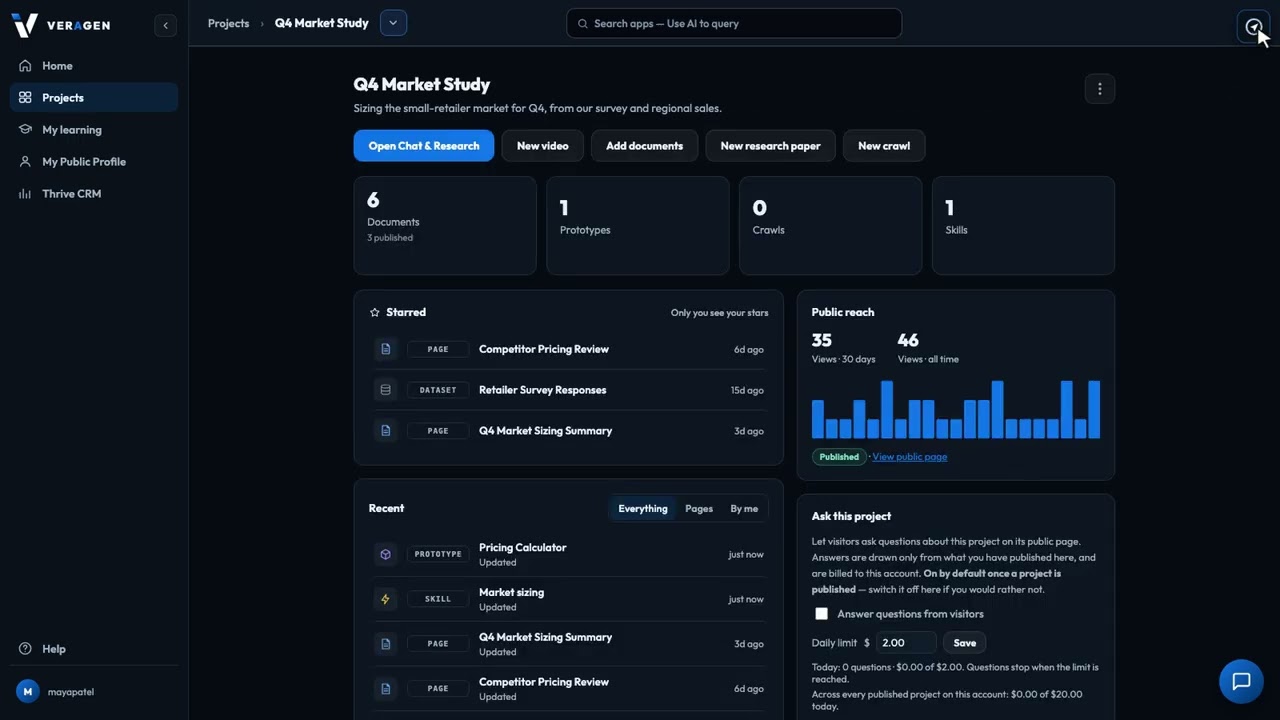
Press the compass at the top right of any page in the AI Hub, and it walks you through the screen you're on, one step at a time. Each step highlights a real control and says what it does, so a new teammate can learn any screen in a minute, without a training session.
Recorded in the real product, using a fictional company, Northwind Labs. Watch on YouTube
2:00Two minutes from sign-in to Guide me: the left menu, projects and apps, Help, and Odin.
 1:36
1:36Ask Odin out loud, pause, and it sends and answers. No second click, and the recording isn't kept.